
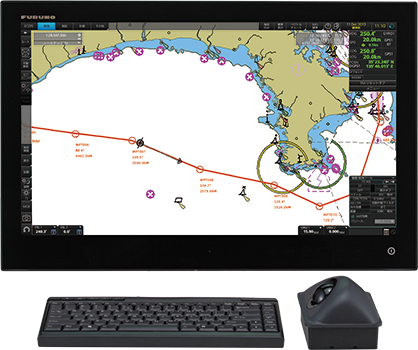
- ECDIS/INS
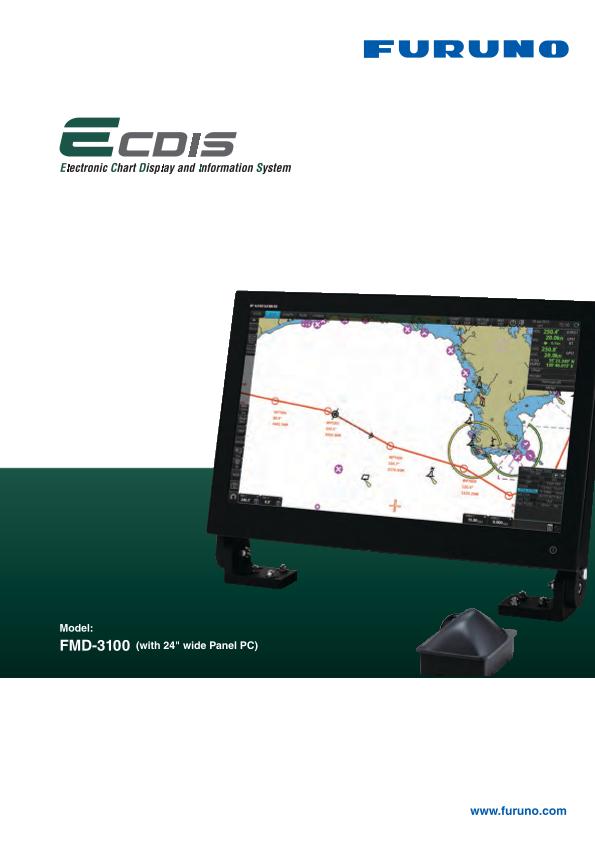
Model FMD-3100
- Merchant Marine
Features
Compliant with IACS UR E27*.
- For IACS UR E27, click here.
A solution to support smooth transition from paper-based navigation to electronic navigation
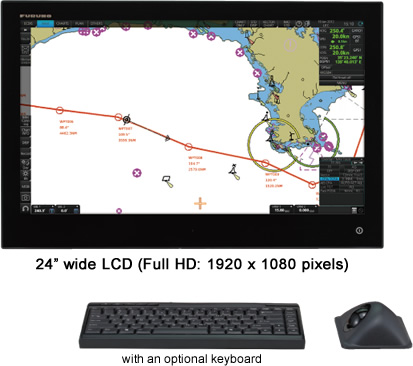
Streamlined integration into the onboard navigation system; perfectly suited for ECDIS retrofitting projects
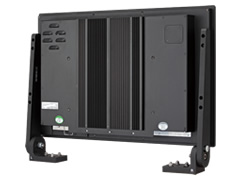
- 2 LAN ports and 4 serial ports are available to facilitate smooth integration into a bridge network as well as interface with onboard navigation sensors
- Flexibility in installation; supporting both table-top mounting* as well as flush-mounting to match the space availability in the wheelhouse
- Optional mounting bracket for table-top mounting required.
Suitable for both primary and back-up ECDIS
Dual configuration of the FMD-3100 supports the vessel to go paperless.
For those who have already installed the FMD-3200/FMD-3300 onboard the vessel, the FMD-3100 can be used as a cost-effective back-up arrangement for the FMD-3200/FMD-3300 ECDIS.
Instantaneous chart redraw delivered by FURUNO’s advanced chart drawing engine, making redraw latency a thing of the past
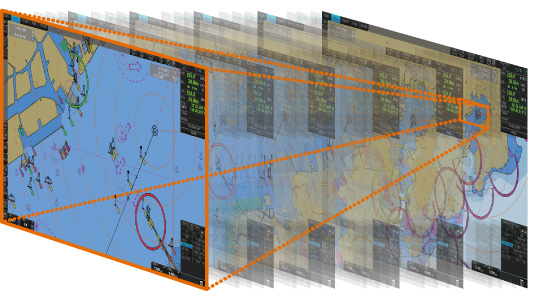
Instantaneous chart redraw
Easily interfaces with existing FAR-2xx7 series Radar for:
- Radar overlay
- Route and waypoint
- Target track info
- User Charts
exchange via Ethernet
- Software update on FAR-21x7/FAR-28x7 series might be necessary depending on the program number.
- for Radar overlay with analog Radar such as FAR-2xx5 series, the optional RCB-002 Radar Connection Box is required.
Complies with the following IMO and IEC regulations:
- IMO A.694 (17)
- IMO MSC.191 (79)
- IMO MSC.232 (82)
- IMO MSC.302 (87)
- IEC 60945 Ed. 4
- IEC 61162-1 Ed. 5
- IEC 61162-2 Ed. 1
- IEC 61162-450 Ed. 2
- IEC 61174 Ed. 4
- IEC 62288 Ed. 3
- IEC 62923-1/-2
Compatible Cartography
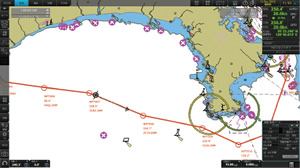
Electronic Navigation Chart (ENC)
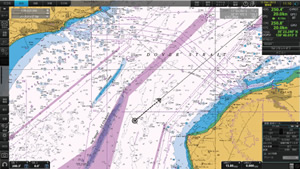
Raster Navigation Chart (RNC)
- IHO/S-57 Edition 3 vector chart (IHO S-63 data protection scheme)
- Admiralty Vector Chart Service by UKHO
- C-MAP CAES
- Jeppesen Primar ECDIS Service
- ARCS raster chart
- C-MAP Professional+*
- C-MAP Professional+ is a private chart, hence not construed as replacement for paper chart.
Compatibility with Admiralty Information Overlay (AIO) for further navigation safety
Additional AIO layer includes all Admiralty Temporary and Preliminary Notices to Mariners as well as additional ENC Preliminary Notices to Mariners, i.e., reported navigational hazards that have been incorporated into a paper chart, but have yet to be included in ENCs.
The service is free of charge as part of Admiralty Vector Chart Service (AVCS) by UKHO.
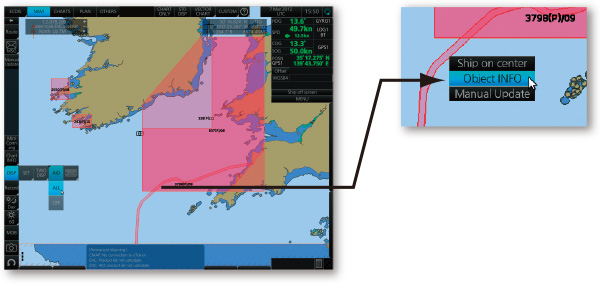
AIO data layer displayed
Place the cursor on the AIO object and right-click to open the contextual menu. Select "Object INFO" to open the chart object window.
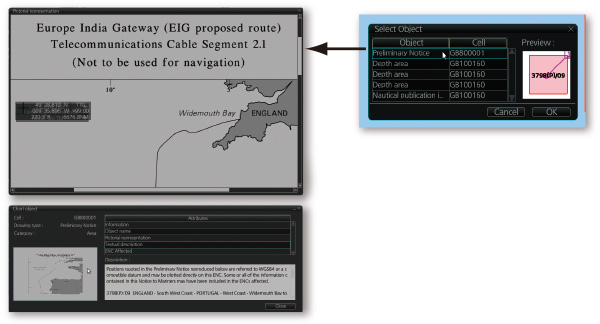
Chart object window
On the chart object window, select the AIO object and click "OK" to view the details.
(bottom left image)The full text of the Notice to Mariners as well as associated diagrams can be displayed subsequently.
User Interface
Task-based operation realized by combination of Status bar and InstantAccess bar™ providing quick access to the needed tasks/functions
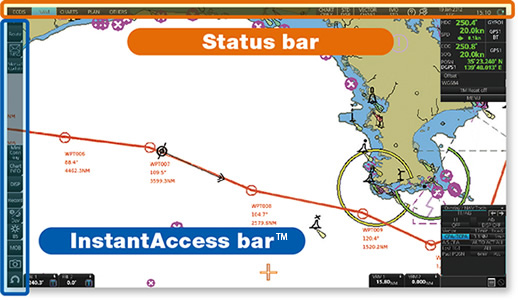
The user interface of the FMD-3100 centers on carefully organized operational tools: Status bar and InstantAccess bar™. The Status bar contains information about the operating status, and the InstantAccess bar™ contains all the tasks available. These operational tools deliver straightforward, task-based operation by which the operator can quickly perform navigational tasks without having to go deeper into an intricate menu tree.
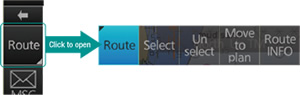
Button on the buttons in the Status bar and InstantAccess bar™ indicates that there are hidden options of actions/tasks to be performed in the sub-layer, which can be initiated by left-clicking the buttons. This way, the operator can quickly gain access to the related tasks.
Software Version
Software version | 01.xx | 03.xx | 05.xx |
|---|---|---|---|
Testing standard | IEC 61174 Ed.3 | IEC 61174 Ed.4 | IEC 61174 Ed.4 |
Electronic Navigational Chart (ENC) | S-57 Ed. 3.1, | ||
Raster Navigational Chart (RNC) | S-61 Ed. 1.0 | ||
ECDIS Presentation Library | S-52 PresLib Ed. 3.4 | S-52 PresLib Ed. 4.0 | S-52 PresLib Ed. 4.0 |
Chart Content and Display Aspects of ECDIS | S-52 Ed. 6.0 | S-52 Ed. 6.1 | S-52 Ed. 6.1 |
ENC Data Protection | S-63 Ed. 1.1.1 | S-63 Ed. 1.2.0 | S-63 Ed. 1.2.0 |
Compliance for IHO CDS | S-64 Ed. 2.0.0 | S-64 Ed. 3.0.1 | S-64 Ed. 3.0.1 |
Bridge Alert Management (BAM) | MSC.302(87) | MSC.302(87) | IEC 62923-1/2 |
Please consult with your local distributors, should you wish to upgrade the software.
Downloads


| Name | Last update |
|---|---|
| Aug 20, 2026 | |
| Aug 20, 2026 | |
| Dec 9, 2025 |
Distributors of Marine Equipment
Contact a local distributor for further details.
- Specifications subject to change without notice.
ECDIS/INS Product List
Model
FMD-3005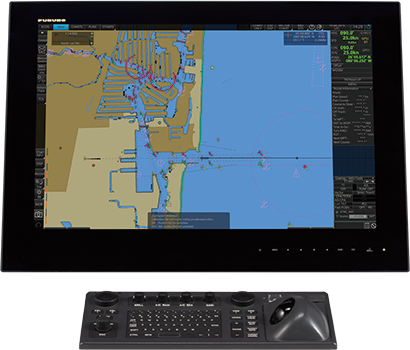
Model
FMD-3200/3300
Model
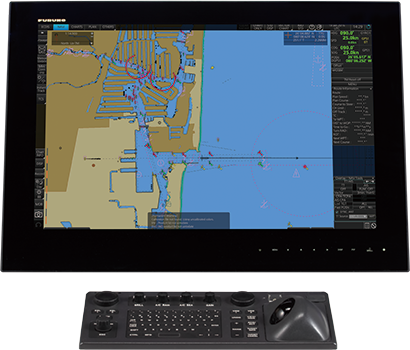
FMD-3100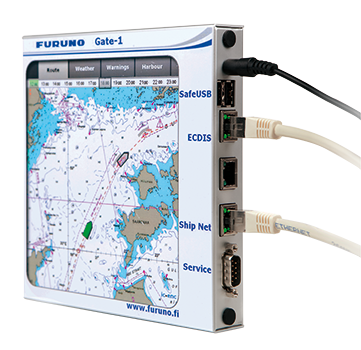
Model
Gate-1
Model
FURUNO VOYAGER